

Staying Connected in China: SIM Card, eSIM, VPN & Wi-Fi Guide

Landing in Beijing or Shanghai without a working internet connection is not just inconvenient; in 2025, it renders you almost invisible. You cannot pay for a taxi, you cannot translate a menu, and you cannot message your hotel. The “Great Firewall” makes the digital landscape in China unique, blocking Google, WhatsApp, Instagram, and most Western news outlets.

This China internet guide is designed to solve that problem before you even board the plane. Whether you are a digital nomad needing high-speed upload speeds or a vacationer just wanting to post to Instagram, navigating the connectivity maze requires a specific strategy.

Key Takeaways: Quick Connectivity Summary

  • Best for Short Trips (Under 15 Days): Use an eSIM (like Airalo or Nomad). These use roaming data, meaning they automatically bypass the Great Firewall without needing a separate VPN.
  • Best for Long Trips & Expats: Buy a physical local SIM card (China Unicom is best for foreign phones). You get a local +86 number, which is essential for registering on apps like Meituan (food delivery) and HelloBike (shared bikes).
  • The VPN Rule: If you use a physical SIM or hotel Wi-Fi, you must install your VPN before entering China. Downloading one inside the country is nearly impossible.
  • The Wi-Fi Trap: Public Wi-Fi in China usually requires SMS verification via a Chinese phone number. If you don’t have a local SIM, you often cannot access “free” Wi-Fi.

Summarize with :

Do You Need a VPN in China?

Yes, absolutely. Unless you are using a roaming eSIM (which routes traffic through a foreign server), you are behind the Great Firewall.

What is the Great Firewall?

The Great Firewall is China’s internet censorship system that blocks access to foreign websites and apps. Without a workaround, you cannot access Google Maps, Gmail, Facebook, Instagram, WhatsApp, YouTube, or Netflix.

Mistake to Avoid: Do not rely on free VPNs. They rarely work in China. Paid services like Astrill VPN (the expat standard) or LetsVPN are currently the most reliable for 2025. ExpressVPN varies in reliability, so checking recent Reddit threads or forums immediately before your trip is a pro move.
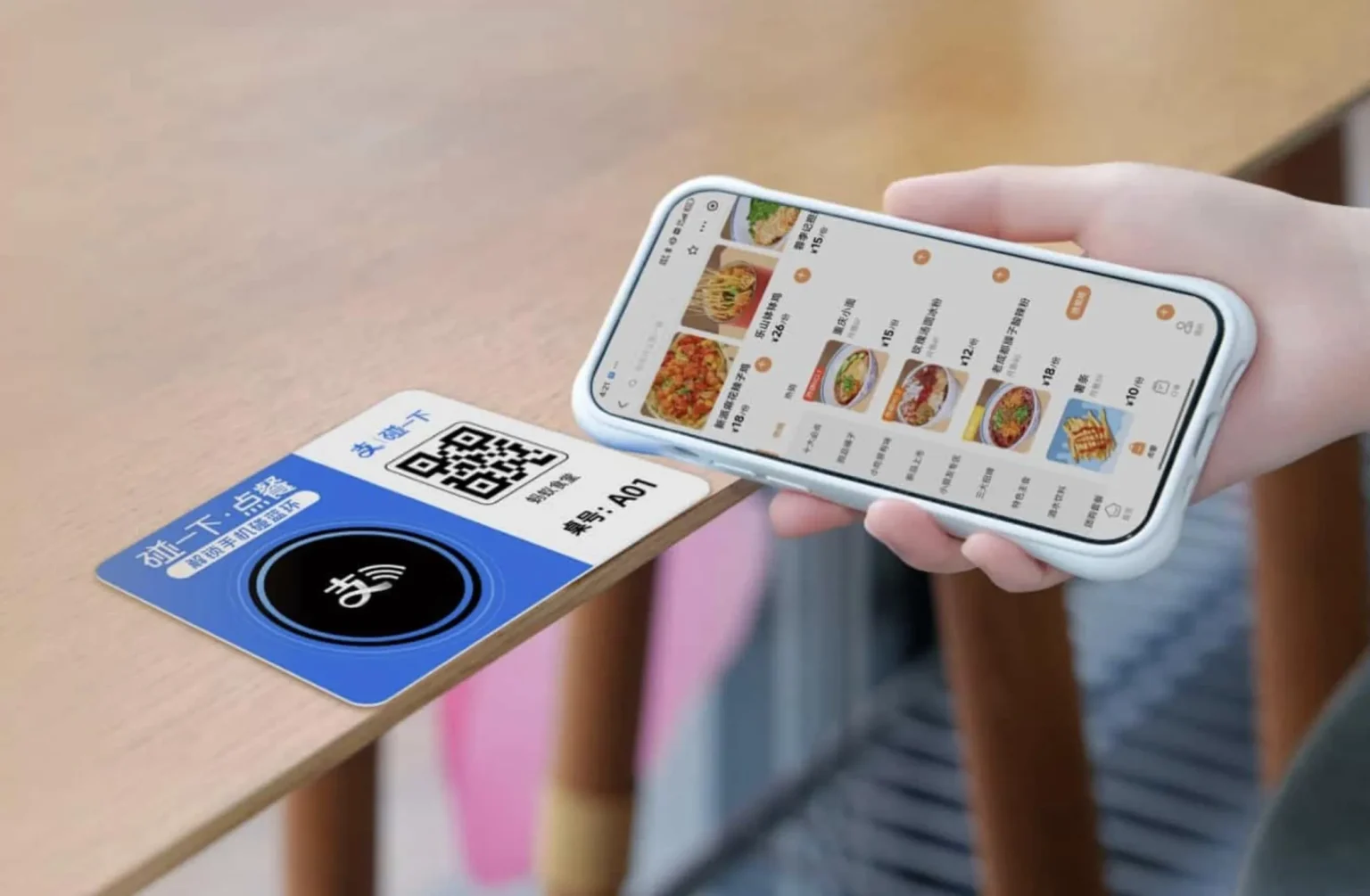
A person's hand holds a white smartphone over a blue card on a light wooden table. The smartphone screen displays a Chinese food ordering app with images of various dishes and prices. The blue card features a QR code, an NFC symbol, and Chinese text that translates to 'Touch to order' and 'Table number: A01'.

Staying connected in China goes beyond just communication; it’s essential for everyday conveniences like mobile ordering at restaurants. With a reliable SIM card or eSIM, travelers can effortlessly scan QR codes or use NFC to access menus and place orders, integrating seamlessly into local life.

Option 1: The eSIM (The “Hassle-Free” Choice)

For 90% of tourists, an eSIM is the superior choice for 2025. If your phone is unlocked and supports eSIM technology, this is the path of least resistance.

Why choose an eSIM?

  • Automatic Firewall Bypass: Because the data is technically “roaming” (often routed through Hong Kong or Singapore), your phone behaves as if it is outside of China. Google and Instagram work instantly.
  • Instant Setup: You can buy and install it while sitting on your couch at home. It activates the moment you land.

💡 Editor’s Pick: We recommend Nomad eSIM for China because it reliably bypasses the Great Firewall with stable speeds. Use code JORICAQLKF at checkout to get $5 USD off your first data plan.

The Downside: Most travel eSIMs are data-only. You will not get a Chinese phone number. This means you cannot receive SMS verification codes for local services like calling a Didi (Uber) directly via the app, though you can use the Didi mini-app inside Alipay if you set up Alipay with your home number beforehand.

Option 2: Physical Local SIM (The “Power User” Choice)

If you are staying longer than two weeks, or you want the full local experience (ordering food delivery, using shared bikes, or booking museum tickets that require a local contact), you need a physical SIM card with a +86 number.

China Mobile vs. China Unicom vs. China Telecom

While China Mobile has the largest network, China Unicom is widely considered the best option for travelers bringing foreign phones. China Mobile’s 3G/4G bands sometimes do not align with European or North American phone hardware, leaving you with 2G “Edge” speeds in rural areas. China Unicom is generally more compatible with global hardware standards.

Where to Buy a Physical SIM

  • The Airport (Convenient but Pricey): You can buy SIMs at arrivals in Beijing (PEK/PKX) and Shanghai (PVG). Expect to pay a premium (often 150–300 RMB) for a “tourist package” with generous data.
  • City Carrier Stores (Cheaper): Go to an official China Unicom store in the city. Bring your passport. You can often get a plan for 50–100 RMB per month.

Sensory Detail: Be prepared for a bureaucratic process. You will sit at a counter, hand over your passport, and have your face scanned and photo taken. This is a mandatory government requirement for all SIM activations. The staff may use a translation app to speak to you; be patient.
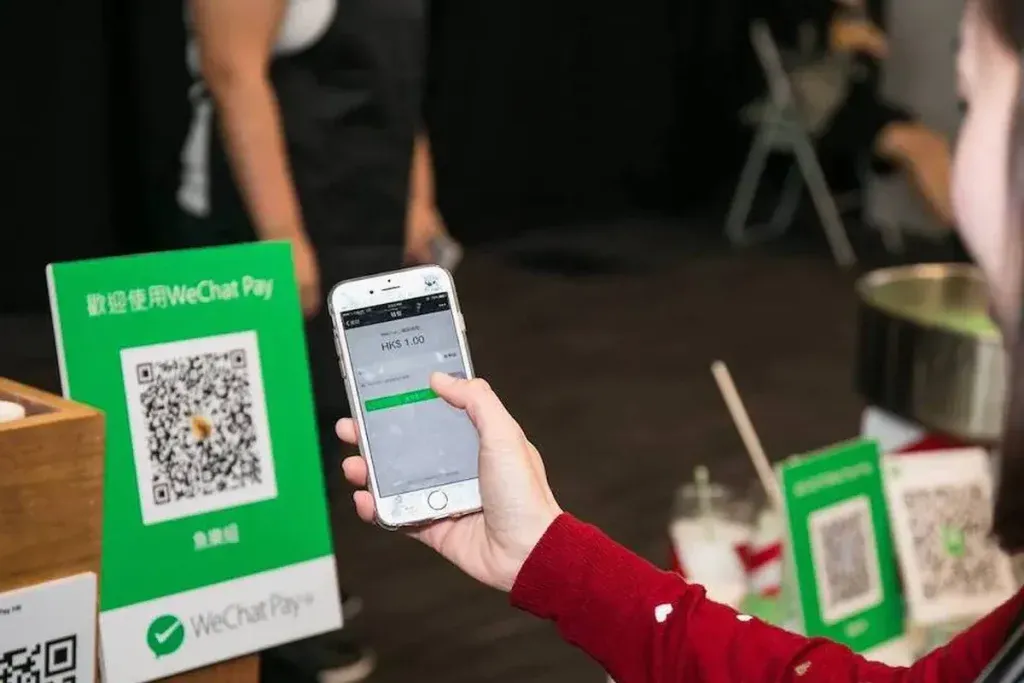
A close-up of a person's hand holding a white smartphone, scanning a QR code displayed on a green 'WeChat Pay' sign. The phone screen shows 'HKS 1.00' indicating a transaction in Hong Kong Dollars. Another smaller green QR code sign is visible in the blurry background.

Staying connected in China and regions like Hong Kong means more than just communication; it’s fundamental for daily life. Mobile payment systems such as WeChat Pay, shown here, utilize your mobile connectivity to make transactions smooth and effortless, from street food to shopping.

The Truth About Public Wi-Fi

Many travel guides claim Wi-Fi is everywhere in China. While physically true, it is functionally false for many tourists.

The Catch-22: To connect to Wi-Fi at a Starbucks, airport, or hotel, the login page usually asks for a phone number to send a verification code. If you enter a US or UK number, the SMS often never arrives. If you do not have a local SIM card, you are frequently locked out of public Wi-Fi networks.

Insider Strategy: Always download offline maps (Apple Maps works surprisingly well in China; Google Maps does not update efficiently) and translation language packs before you leave your hotel Wi-Fi.

Essential Apps to Download Before Departure

Connectivity is useless if you don’t have the right tools. The Chinese digital ecosystem is entirely separate from the West.

  • Alipay & WeChat: These are not just chat apps; they are your wallet. Link your foreign credit card (Visa/Mastercard) to Alipay before you fly. You will use this to pay for everything from a 2 RMB bottle of water to a high-speed train ticket.
  • Trip.com: The best app for booking trains and hotels in English.
  • MetroMan: Essential for navigating the subway systems in major cities.

Common Questions: Internet & VPNs in China

Do I really need a VPN for travel to China in 2025?

Yes, absolutely. Unless you are using a roaming eSIM that routes data through a foreign server, you cannot access Google, WhatsApp, Instagram, or Western news sites behind the Great Firewall without a reliable VPN.

For trips under 15 days, an eSIM (like Airalo) is superior because it automatically bypasses the firewall. However, if you need to use food delivery apps or bike shares, you will need a physical SIM to get a local +86 phone number.

It is nearly impossible to download a VPN once you are inside China because the app stores and VPN websites are blocked. You must download and install your VPN software before you board your flight.

Often, no. While Wi-Fi is available in hotels and cafes, logging in usually requires SMS verification sent to a Chinese phone number. If you only have a foreign number, you likely won’t receive the code to connect.

Conclusion

Staying connected in China requires preparation, but it is manageable. For a stress-free 10-day vacation, purchase an eSIM to ensure your social media and maps work automatically. If you plan to backpack for a month or live like a local, head to a China Unicom store with your passport to get a physical SIM. Whatever you do, download your VPN and set up Alipay before your flight takes off—once you land, the digital drawbridge goes up.

Similar posts to this one

Multiple Fuxinghao high-speed bullet trains, silver with red and orange stripes, are parked at platforms inside Shenzhen North Railway Station at night. Station signs show '深圳北站' and 'Shenzhen North Railway Station'. Overhead metal structures and lighting are visible.

Beijing to Shanghai High-Speed Rail: The Complete Station & Seat Guide

For travelers in 2026, the debate between flying or taking the train from Beijing to Shanghai is effectively over. The [...]

A vibrant sunrise or sunset over the modern Beijing cityscape, featuring prominent skyscrapers like the tall, slender CITIC Tower (China Zun) reflecting golden light, the distinctive CCTV Headquarters building, and the spiraling dome of the Phoenix International Media Center. A dense canopy of green and golden trees forms the foreground under a sky with dramatic, colorful clouds.

Emergency Travel in China: Vital Phrases, Apps, and Safety Protocols

Traveling to China is an exhilarating experience, but the unique digital ecosystem and language barrier can make even seasoned globetrotters [...]

Two modern Chinese high-speed trains, including a silver Fuxing bullet train with red, orange, and gold stripes, parked side-by-side at a bright station platform. A white high-speed train with blue stripes is to the left. A yellow tactile paving strip is visible on the platform.

China High-Speed Rail for Tourists: Booking, Classes & Onboard Experience

For many travelers, the first time stepping into a Chinese railway station is more overwhelming than the flight that brought [...]

Get the China Arrival Survival Kit

Planning a trip here has a steep learning curve. Join our newsletter and receive our free “Day One Checklist” covering everything from setting up Alipay and WeChat to bypassing the internet firewall.